Why Is My Harvest Right Freeze Dryer Timer Running Slow?
Botanical Horticulturist & Food Preservation Specialist at Brittle Bloom · Certified Master Gardener & Master Food Preserver · 12+ Years in Plant Propagation & Food Preservation
You’ve probably asked yourself, “Why Is My Harvest Right Freeze Dryer Timer Running Slow?” It’s one of the most common owner complaints we come across. The display says one hour, but your kitchen clock says eighty minutes. It feels broken, but it’s usually a clue that something else needs attention.
We’ve dug through user reports, manufacturer documentation, and troubleshooting guides. Harvest Right’s manual specifies that the chamber should reach 500 mTorr or lower for normal drying time. As of 2026, the causes fall into three branches: vacuum pressure, load prep, and machine electronics.
Finding your branch takes about five minutes.
Quick Answer
Your Harvest Right timer runs slow when the drying cycle isn’t progressing as expected. The most common cause is a vacuum that won’t pull below 500 mTorr. That leaves moisture in the chamber, so the machine keeps counting slowly.
The fix is usually oil, a leak, or a load problem. Check vacuum pressure first.
What a Slow Timer Really Looks Like (and What It’s Not)
Before you pull anything apart, define “slow.” The timer on a Harvest Right is not a stopwatch. It’s a progress estimate driven by chamber conditions. When the vacuum is weak, or the load is still releasing moisture, the machine holds the countdown longer.
Sublimation is the process of frozen water turning directly into vapor. The freeze dryer’s sensors watch how fast that vapor leaves the food. The timer adjusts accordingly.
So a timer that crawls isn’t always a mechanical failure. It’s the machine telling you that the drying process is moving slower than ideal.
There’s a big difference between a slightly uneven countdown and a stalled one. During the first two hours, small pauses are normal. The chamber is still pulling down, and sensors are calibrating.
If the countdown runs at half speed for the entire batch, you have a real problem. That’s when you start the three-branch check below.
The Quick Check: Your Vacuum Pressure Tells You More Than the Timer
Start with the display. The mTorr reading is your single best diagnostic tool. mTorr measures vacuum pressure inside the chamber. For efficient sublimation, Harvest Right wants to see 500 mTorr or lower.
If your pressure sits above 500 mTorr after about 30 minutes of pump-down, you’re in Branch 1. If the pressure reads fine but the timer is still crawling, move to Branch 2. If both of those check out, Branch 3 covers the electronics.
Use this cheat sheet before touching anything.
| Your reading | Your next move | The likely fix |
|---|---|---|
| mTorr above 500 | Branch 1 | Change pump oil or fix a leak |
| mTorr fine but timer still slow | Branch 2 | Check the load and Extra Dry mode |
| mTorr, load, and vacuum all fine | Branch 3 | Update firmware or check sensors |
Spend two minutes here before assuming the worst. Most slow-timer complaints trace back to a pressure problem. You can catch it just by reading the screen.
Branch 1: Vacuum Pressure, Pump Oil, and Leaks
Weak vacuum is the number one reason a timer runs slow. The pump can’t pull enough vapor out, so the chamber stays humid, and the machine keeps adding time. The problem is rarely the pump itself.
More often, it’s the oil.
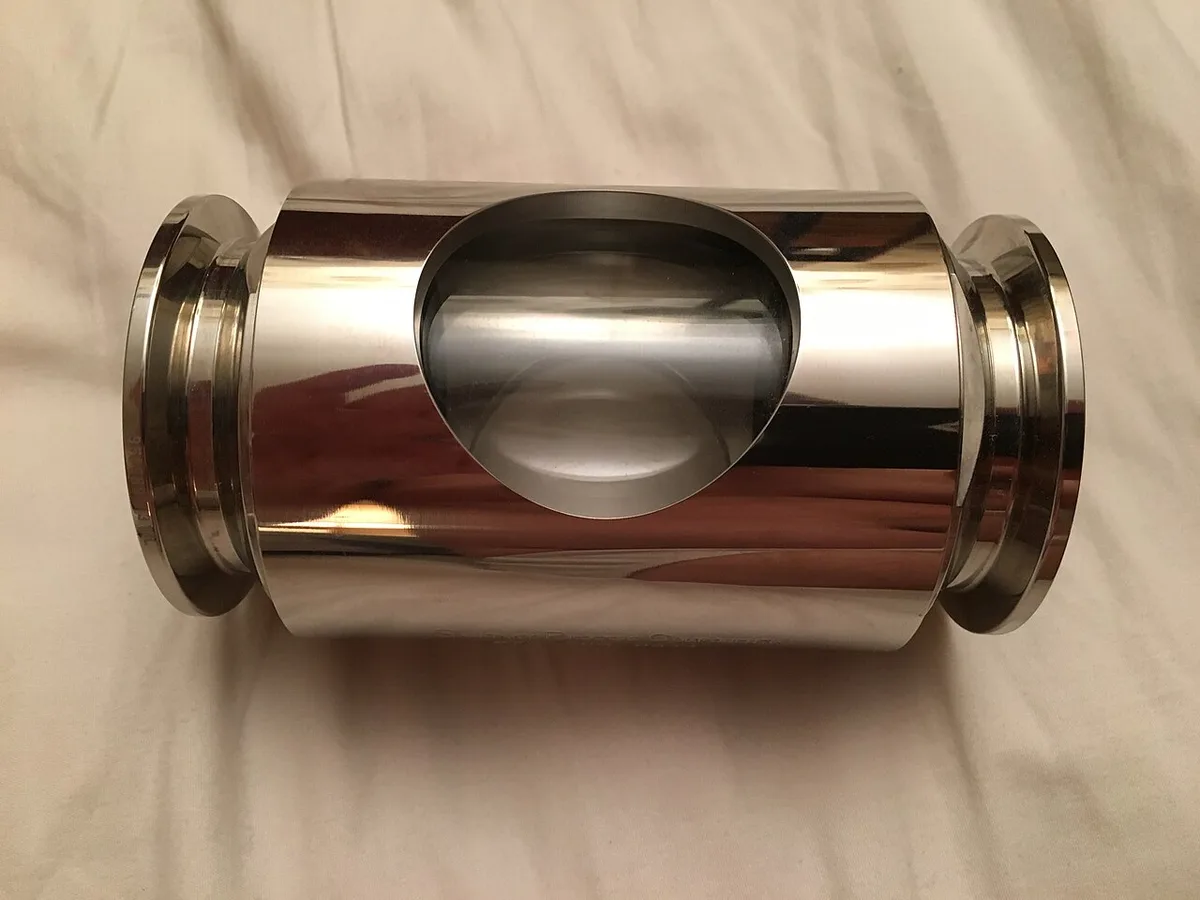
Image source: Wikimedia Commons / jasonwoodhead23 (CC BY)
Manufacturer guidance calls for fresh oil frequently, and most owners change it every 15 to 20 run hours. Oil that looks milky, dark, or burnt won’t pull the same vacuum. That alone can push your pressure above 500 mTorr and add hours to the timer.
If the oil is fresh but pressure is still high, check for leaks. The door gasket is the usual suspect. Wipe it clean and inspect for cracks.
A dried food crumb on the sealing surface is enough to break the seal. The drain valve is the second place to look. Make sure it’s fully closed and not clogged.
Your room temperature plays a role too. If the unit sits in a hot room above 80°F, the pump works harder and may struggle. Move it somewhere cooler if you can.
Here’s the decision branch. If oil and seals look good but the mTorr reading stays high, run the leak test described in your manual. If the vacuum doesn’t hold, you may need a new door gasket or a pump rebuild.
Harvest Right’s official support documentation walks through this exact sequence.
Branch 2: The Load: Overfilling, Warm Starts, and Extra Dry Mode
Your vacuum can be perfect and your timer still slow. That’s when the problem moves to the load. The machine can only pull vapor away as fast as the food releases it.
Overloaded trays or warm starts force the machine to work harder.

Image source: Wikimedia Commons / Paridh (CC BY-SA)
Extra Dry mode is the biggest trap. It’s a feature that adds extra time by design. If you selected it out of caution, the timer isn’t broken.
It’s doing exactly what you asked. Check your settings before chasing a hardware problem.
The load also needs to start fully frozen. Harvest Right’s guidance is to pre-freeze most items to -10°F or lower before starting a batch. If you put in partially frozen food, the machine has to freeze it first.
That adds hours before sublimation even begins.
Then look at tray capacity. Overfilled trays create a dense block that slows vapor release. Leave space around each piece of food.
For liquids, don’t fill past the recommended line. High-moisture loads like milk or juice take longer by nature. That’s not a defect.
It’s just physics.
If your vacuum is good and your load looks reasonable, but the timer still drags, compare your cycle time to similar batches. A few extra hours on a heavy load is normal. Consistently slow runs point back to the machine.
After the batch finishes, how you store the results matters just as much. We compare freeze dryers and jar vacuum sealers for long-term storage in a separate guide.
Branch 3: Firmware, Sensors, and the Control Board
If your vacuum is strong and your load is fine, the machine itself becomes the suspect. Start with firmware. Harvest Right releases updates over USB that can fix timer and sensor quirks.
An outdated version can cause the countdown to behave oddly. Check the manufacturer's official site for the latest version before doing anything else.
A simple power cycle clears plenty of glitches. Turn the machine off, unplug it, wait ten minutes, then plug it back in. This resets the control board’s internal state.
It won’t fix a hardware failure, but it may clear a stuck logic error.
The next suspect is a temperature sensor. If it’s reading wrong, the machine may think food is still wet when it isn’t. The timer responds by stretching the cycle.
Sensor replacement is not a weekend DIY job. It requires removing interior panels, and you risk damaging the unit.
Don’t open the control board yourself. Aside from the risk of electrical shock, unauthorized tampering can void your warranty. Harvest Right support can walk you through remote diagnostics.
If a sensor or board is actually bad, they’ll help you get the right part or a service call.
Mistakes That Add Hours to Every Batch (and How to Avoid Them)
Most slow-timer problems are self-inflicted. The good news is that you can fix them without touching a single screw. Here are the mistakes we see most often in user forums and support threads.
- Running with old pump oil. This is the #1 cause of high mTorr readings. Change the oil every 15 to 20 run hours, not whenever you remember.
- Forgetting to close the drain valve fully. Even a tiny gap lets air in. The vacuum weakens, and the timer stretches out.
- Loading food that isn’t completely frozen. If you skip the pre-freeze step, the machine uses the first few hours just to freeze the load. That adds real time to the countdown.
- Using Extra Dry mode by default. It’s a tool, not a requirement. Only turn it on for dense or high-sugar foods that truly need it.
- Overpacking trays. Crowded food creates a solid block. Vapor can’t escape evenly, so the machine slows down to compensate.
- Ignoring the door gasket. A single dried crumb on the seal breaks the vacuum. Wipe it down before every batch.
Here’s the key rule: if you change one mistake and the timer improves, you’ve found your culprit. Fix the simplest thing first. Don’t buy a new pump or control board when a $10 bottle of oil would have solved it.
| Mistake | Time added (typical) | How to fix |
|---|---|---|
| Dirty pump oil | 4 to 8 hours | Change oil every 15–20 run hours |
| Partially frozen load | 2 to 6 hours | Pre-freeze to -10°F or below |
| Overloaded trays | 3 to 10 hours | Reduce batch size or split into two runs |
| Extra Dry mode on | 4 to 6 hours | Turn off unless needed |
One more tip. Keep a log of your batches. Write down the load, starting temperature, mTorr reading, and total time.
Patterns become obvious fast. You’ll start catching problems before they cost you a whole weekend.
Frequently Asked Questions
Is a slow timer hurting my freeze dryer?
No, a slow timer is usually a symptom, not a cause. The machine isn’t being damaged by running longer. The risk is food quality.
Extended cycles can degrade texture and reintroduce moisture if the vacuum keeps failing. Fix the underlying cause first.
How do I know if my timer is actually broken?
A genuinely broken timer behaves erratically. It may skip backward, jump hours, or freeze completely while the pump clearly runs. A slow, steady countdown that matches the drying process is working as designed.
Trust the mTorr reading over the numbers.
Should I cancel a batch if the timer seems slow?
Only if the vacuum pressure stays above 500 mTorr after 30 minutes. If an hour passes and the vacuum still won’t pull down, vent the chamber and restart. Check the oil and door seal first.
If the vacuum is fine, let the batch run.
Why does my timer sometimes speed up near the end?
That’s normal. As the last moisture leaves the food, the sensors detect a faster sublimation rate. The machine recalculates the remaining time downward.
A quick finish is a good sign. It means your vacuum is strong and your load was properly prepared.
Does room temperature really affect the timer?
Yes, it matters more than most people think. Ambient temperatures above 80°F make the compressor and vacuum pump work harder. That slows the vacuum pull and extends the cycle.
Keep the unit in a cool, ventilated space, ideally below 75°F, for consistent batch times.

Similar Posts